23ArpDelay 0.9.0-rc6: Pitched Taps Use About a Third Less CPU
23ArpDelay 0.9.0-rc6 moves the pitch shifter onto a faster transform. Pitched taps use about a third less CPU on Windows and Linux; the sound, presets and licence stay as they were.
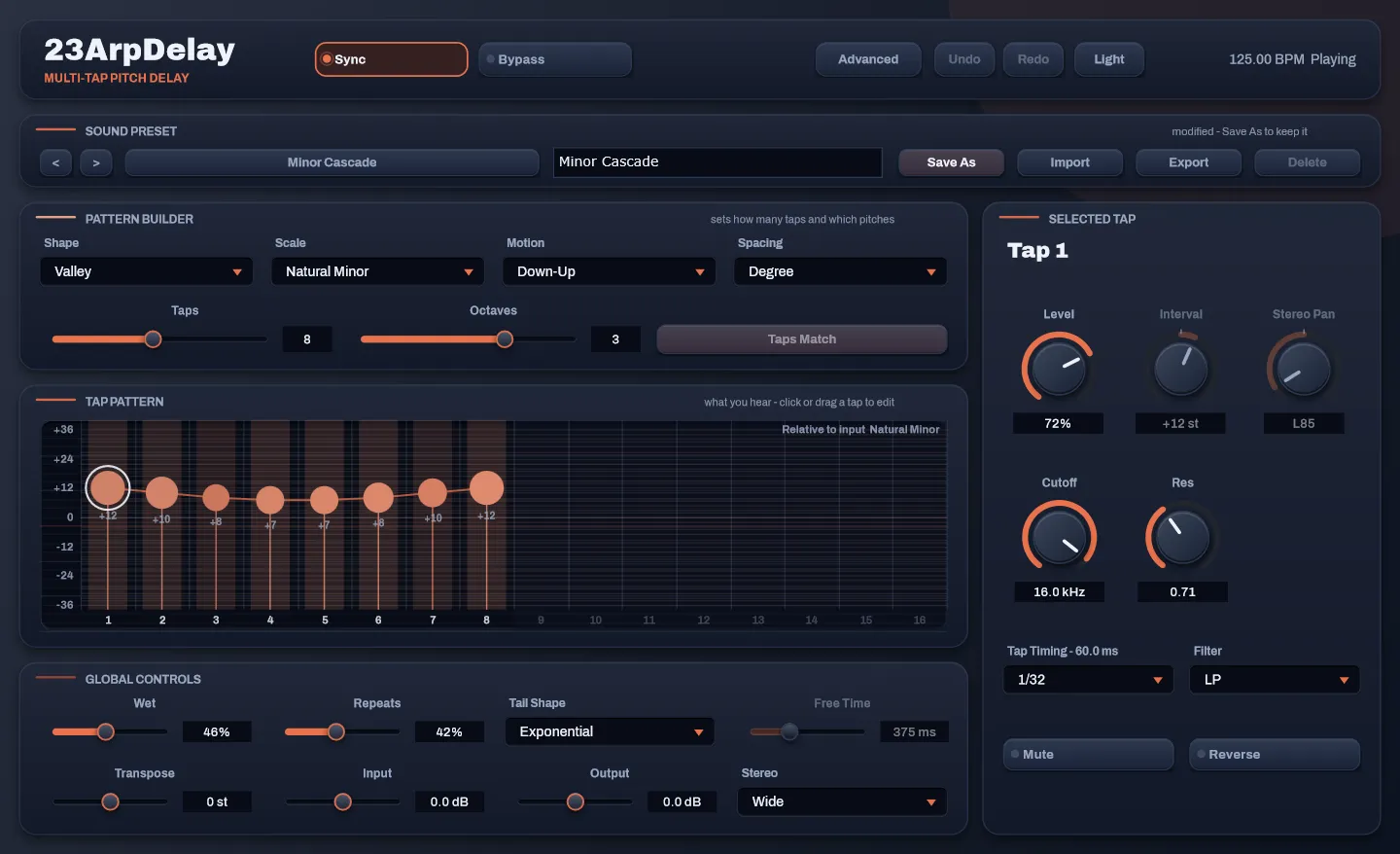
23ArpDelay 0.9.0-rc6 is out. It has one change that matters: the part of the plug-in that shifts the pitch of each tap now runs on a much faster transform, and on Windows and Linux that takes about a third off the CPU a pitched tap costs.
Key takeaways
- Pitched taps use about a third less CPU on Windows, and about a quarter less with Formant on. Taps with no pitch cost the same as before.
- Linux gets the same new transform. On macOS the old version already had a fast path, so expect a smaller difference there.
- The sound, presets, sessions and licence are unchanged. There is no need to activate again.
- If you own 23ArpDelay, rc6 is already in your Gumroad library.
What changed
Every tap with a pitch goes through a phase vocoder: the signal is cut into short frames, turned into frequencies, moved and turned back. That transform runs for every frame, every pitched tap and both channels, so it is most of what the plug-in spends.
Up to rc5 the transform came from the framework the plug-in is built on. On macOS that framework hands the work to Apple’s own fast routines; on Windows and Linux it falls back to a plain version that does one number at a time. rc6 uses pffft instead, a small open-source FFT library that uses the processor’s vector instructions: SSE on Intel and AMD, NEON on Apple Silicon and other ARM chips.
The numbers
I built rc5 and rc6 side by side on the same laptop, an Intel Core Ultra 7 255U running Windows, and ran the benchmark that lives in the plug-in’s test suite on both. It reports the CPU each setting takes as a percentage of one core running in real time, with 512-sample blocks, best of nine runs. I ran the pair twice, alternating, and these are the second pass.
| Setting | 48 kHz, rc5 | 48 kHz, rc6 | 96 kHz, rc5 | 96 kHz, rc6 |
|---|---|---|---|---|
| 1 tap, no pitch | 0.7% | 0.7% | 1.9% | 1.9% |
| 6 taps, pitched | 16.8% | 11.0% | 20.8% | 16.2% |
| 16 taps, pitched | 61.2% | 39.4% | 75.4% | 52.6% |
| 16 taps, pitched, Formant on | 88.2% | 63.2% | 101.4% | 77.3% |
The last row shows it most clearly. At 96 kHz, sixteen pitched taps with Formant on needed more than a whole core of this laptop in rc5, and in rc6 they fit with room to spare.
These are one machine’s numbers, and the percentages on yours will differ. I have not measured Linux or macOS the same way, so I am not quoting figures for them.
What stays the same
The test suite checks the new transform against the old one, bin by bin. Every build also renders a fixed signal and compares its levels in 24 frequency bands with values that Windows, macOS and Linux all agree on. Nothing about the controls changed, so presets and sessions load as they were. The licence is stored outside the plug-in and rc6 does not touch it, so an activated copy stays activated.
The downloads now also carry the licence notices for the third-party code inside them, including in the macOS installer.
Hear it
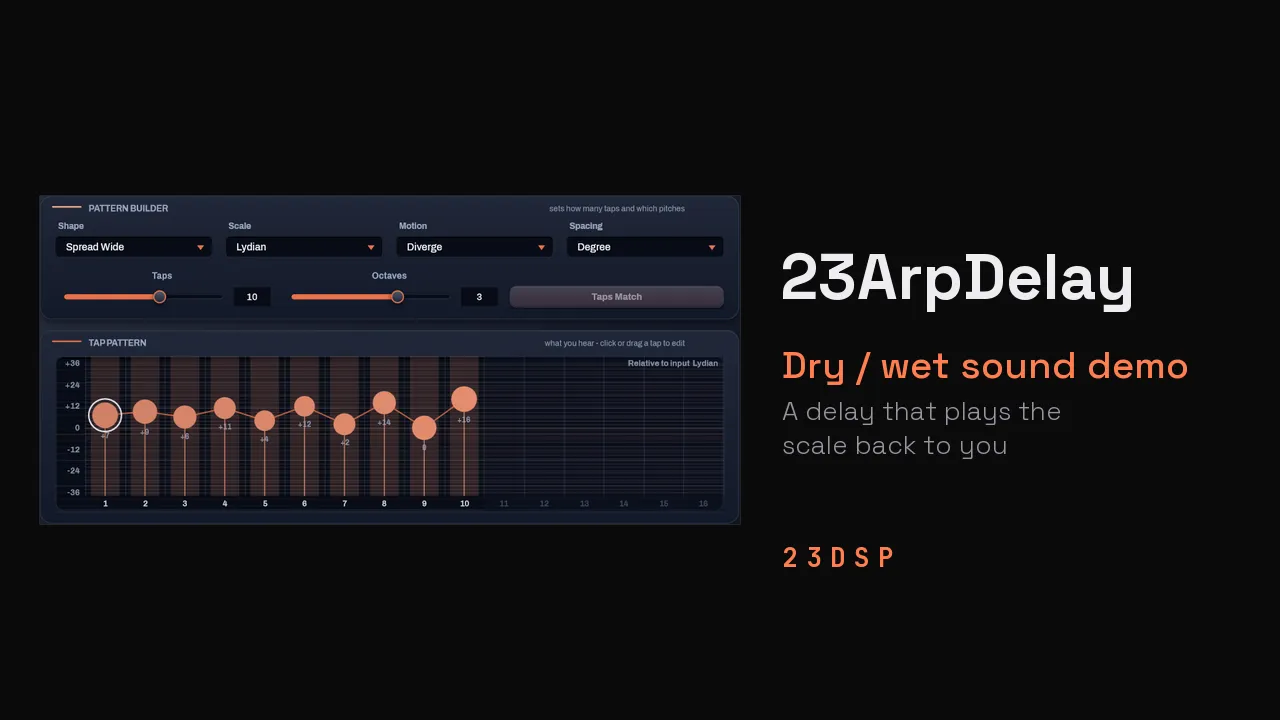
The sound demo was recorded with rc6: seven factory presets, each four bars dry and then eight bars wet, with the interface as it plays.
Getting it
If you bought 23ArpDelay, open its page in your Gumroad library and download the file for your system. On Windows and Linux, replace the old plug-in with the new one; on macOS, run the new installer. Restart your DAW afterwards.
This is still a release candidate. If something misbehaves, write to hi.23dsp@gmail.com with your OS and your DAW.
The product page has the dry/wet demos and the full release notes, and How to Use 23ArpDelay covers the controls.