DE-_1: De- Rebuilt, Now With Mid/Side and Left/Right
DE-_1 rebuilds the free De- de-esser, de-mudder and de-boxer with the same sound, Stereo, Mid/Side and Left/Right modes, 68 presets, and a signed macOS installer.
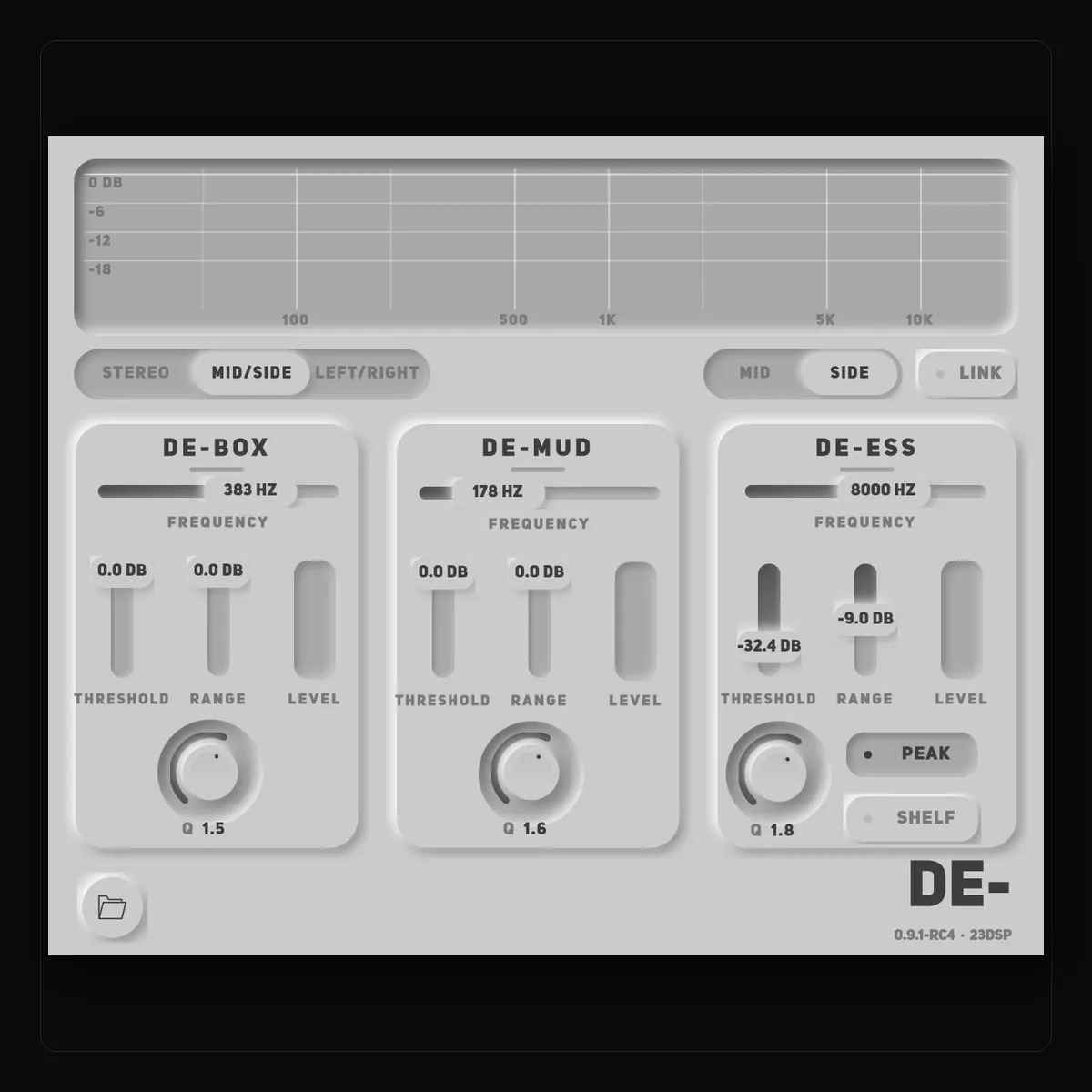
Mixing is about balance — but sometimes certain frequencies take over, and a mix starts to feel harsh, muddy or boxed in. De- takes on the three that do it most often: sibilance, low-mid mud and boxiness, each with its own dynamic filter that only cuts while the problem is there.
DE-_1 is the rebuilt version. Each section does what it did in De-, filter for filter, so in Stereo mode it sounds the way De- always did. The one deliberate difference is that the band split now sums back flat: the original lifted the region between the De-Mud and De-Box corners by about half a decibel, and that lift is gone. What changed around the sections is everything else.
De-Box works between 250 and 500 Hz, on the hollow resonance of close mics and small rooms. De-Mud works between 150 and 350 Hz, on the low-mid build-up that makes a mix feel thick. De-Ess works between 4 and 12 kHz, as a narrow Peak on the S itself or a Shelf that calms everything above it.
Each has the same four controls. Frequency picks the spot, Threshold decides when it starts to cut, Range sets the most it will ever take — up to 18 dB — and Q sets how narrow the cut is.
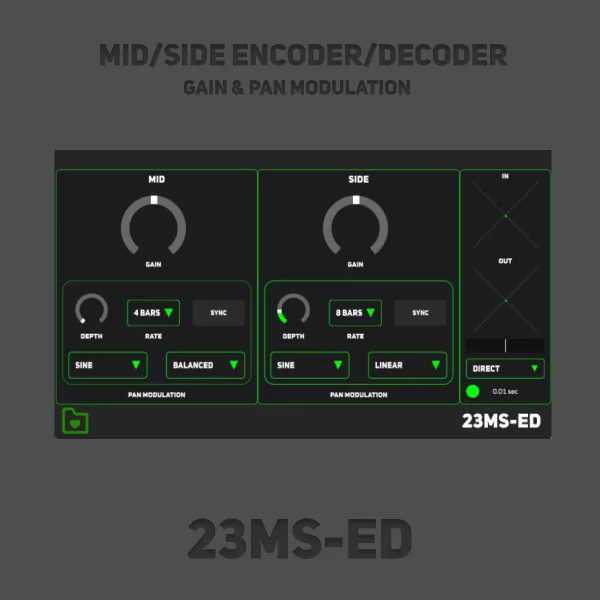
Every control now exists twice. In Mid/Side you can de-ess the sides and leave the centre alone, or take mud out of the middle without touching the width. In Left/Right each channel of a pair gets its own settings. It opens in Stereo with Link on, which is the classic plug-in — nothing changes until you choose another mode. The wide vocal above is the clearest demonstration: Side Sibilance cuts the sides and leaves the centre untouched.
The display shows how much each section is taking out as it happens, and 68 presets are filed by source — vocals, drums, bass, guitars, keys, brass and winds, the mix bus, and a set built for the split modes. The six presets De- shipped with are still there, unchanged.
DE-_1 is a separate plug-in, so it installs alongside De- and sessions that use De- keep loading
De-. Settings saved inside an old session do not transfer: insert DE-_1 next to De-, match it by
ear, then remove the old one. Presets you saved in De- do transfer — import the .preset file
through the preset browser and it loads as it was.
0.9.1-rc5
0.9.1-rc4
DE-_1 rebuilds the free De- de-esser, de-mudder and de-boxer with the same sound, Stereo, Mid/Side and Left/Right modes, 68 presets, and a signed macOS installer.
How DE-_1's three sections work — Frequency, Threshold, Range and Q — how to use Stereo, Mid/Side and Left/Right, and which presets to start from.